
Android · AI calorie counter & fasting tracker
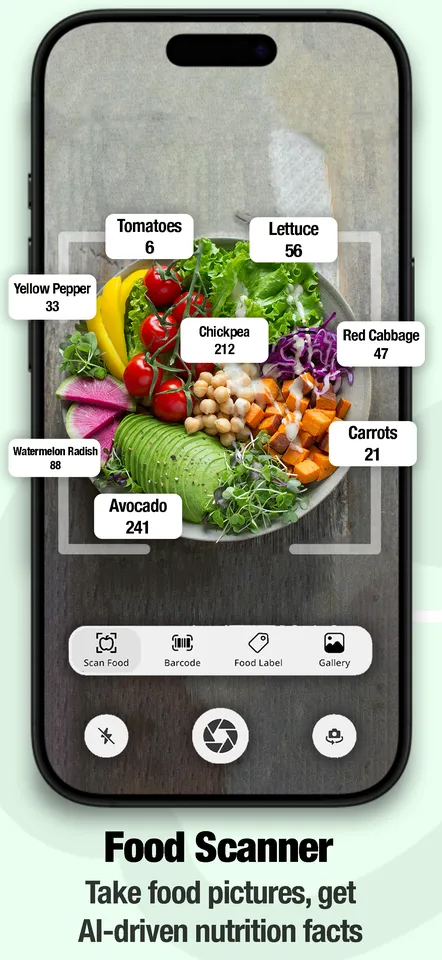
Take a photo of your food
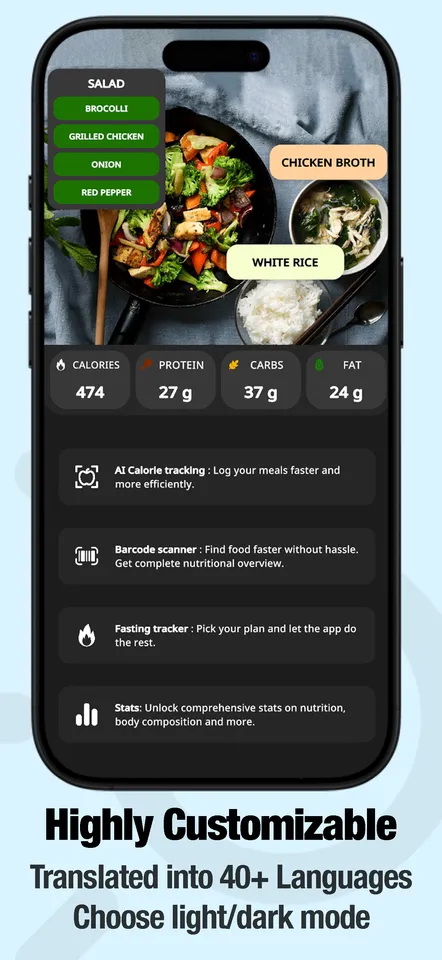
Food Cal AI counts calories from a photo. Snap your meal and the app estimates calories, protein, fat and carbs, plus vitamins, minerals and a health score — with an intermittent fasting tracker built in.
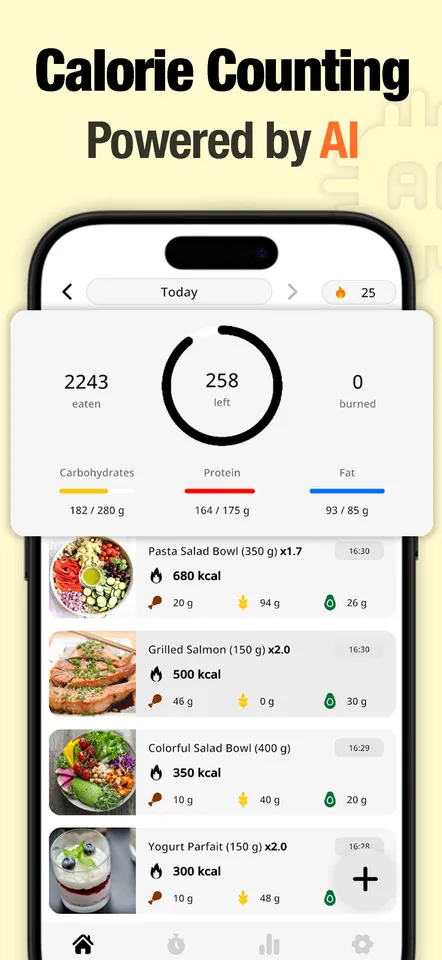
Logging a meal takes about three seconds
Photograph it, or describe it
Point the camera at your plate and the app identifies what is on it. If a photo isn't practical — you already ate, or it's in a wrapper — type what you had in your own words instead.
Barcode scanning
For anything packaged, scan the barcode and get the manufacturer's own numbers rather than an estimate.
Macros, not just calories
Protein, fat and carbohydrates for every entry, totalled across the day — which is the part that actually matters if you are training rather than only cutting.
The full breakdown
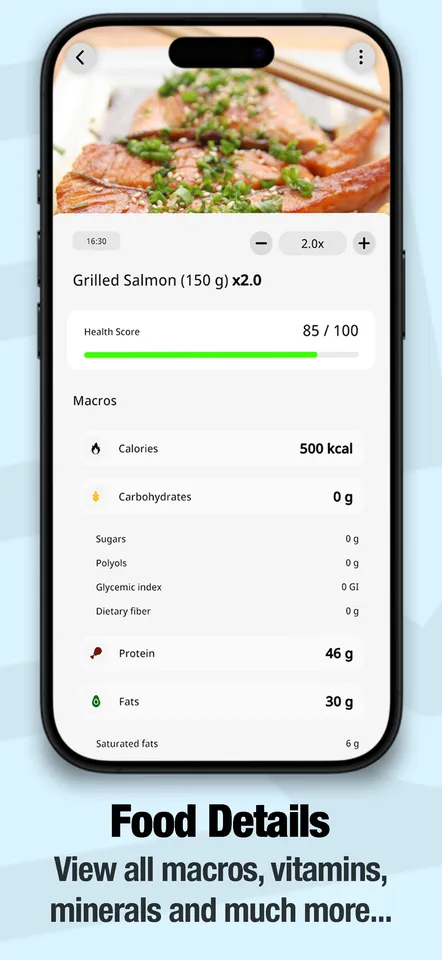
Open any meal for vitamins, minerals, ingredients, allergens and a health score, so you can see what a meal was short of rather than only what it cost you.
Intermittent fasting built in
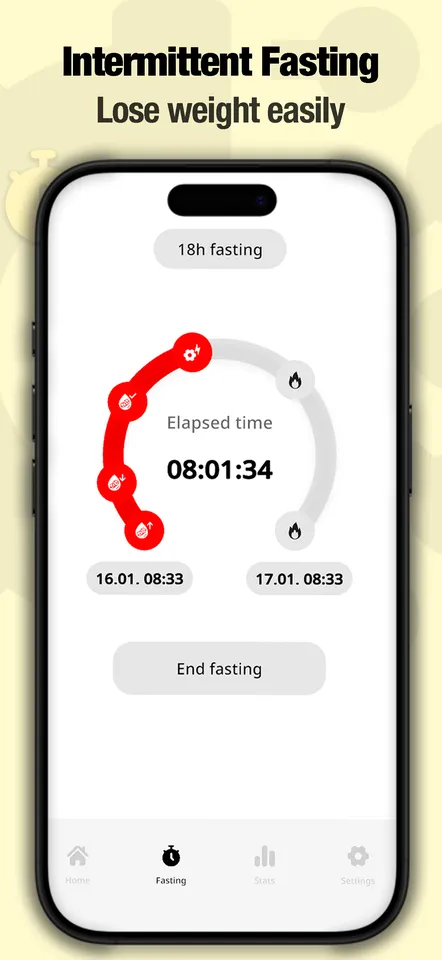
Pick a fasting window, start the timer, and watch which stage your body is in. It sits alongside your food log instead of in a second app.
Statistics worth looking at
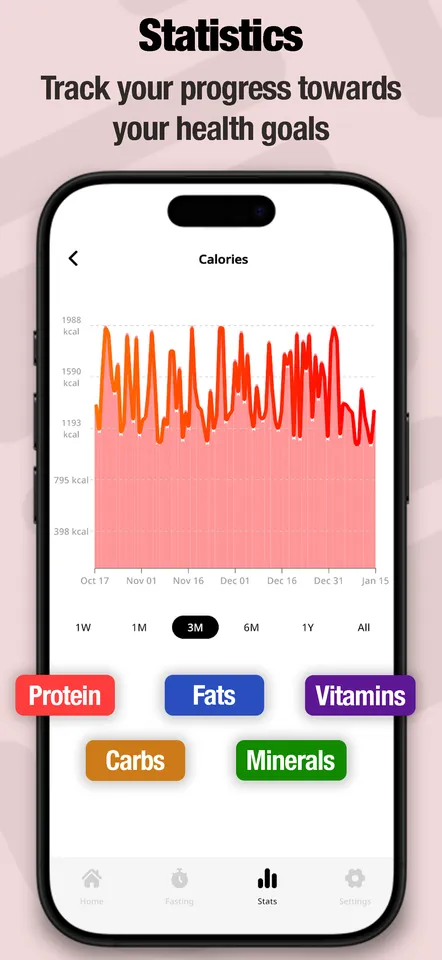
Trends over days and weeks for calories and each macro, so you can compare a good week against a bad one instead of guessing.
A streak to keep
The app counts the days you have logged in a row. Consistency is the thing that makes calorie tracking work at all, so that is what it measures.
A plan built from your answers
A short set-up asks about your goal, your body and your routine, and sets your daily targets from that rather than dropping you into a generic 2,000 kcal default.
Edit anything the AI gets wrong
Estimates from a photo are estimates. Every food name, calorie count and macro value can be corrected by hand, and the corrected version is what your day is built from.
40+ languages, light and dark
The app is translated into more than 40 languages and follows your system theme.
How accurate is a photo, honestly?
It is an estimate, and it should be treated as one. A camera cannot see how much oil went into the pan, and it cannot weigh what is under the top layer. What it is genuinely good at is being fast enough that you actually do it every day — and a logged estimate for every meal tells you far more about your week than three precisely weighed meals and four blanks.
If a number looks wrong, correct it. If a meal matters — you are cutting to a deadline, or following a plan someone gave you — scan the barcode or weigh it and enter it by hand. Use the camera for the everyday, and be precise where precision is worth the effort.
Not medical advice
Food Cal AI is a food-tracking tool. Nothing in the app or on this site is medical advice, and its calorie, macro and nutrient figures are estimates rather than laboratory values. Talk to a doctor or a registered dietitian before starting a diet, a fasting routine, or any significant change to how you eat — particularly if you are pregnant, managing a health condition such as diabetes, taking medication, or have a history of disordered eating.


